New Features to Streamline Your Care Delivery ! |
We're excited to introduce powerful new capabilities designed to help your care team manage patients more efficiently while maintaining the highest standards of clinical documentation. |
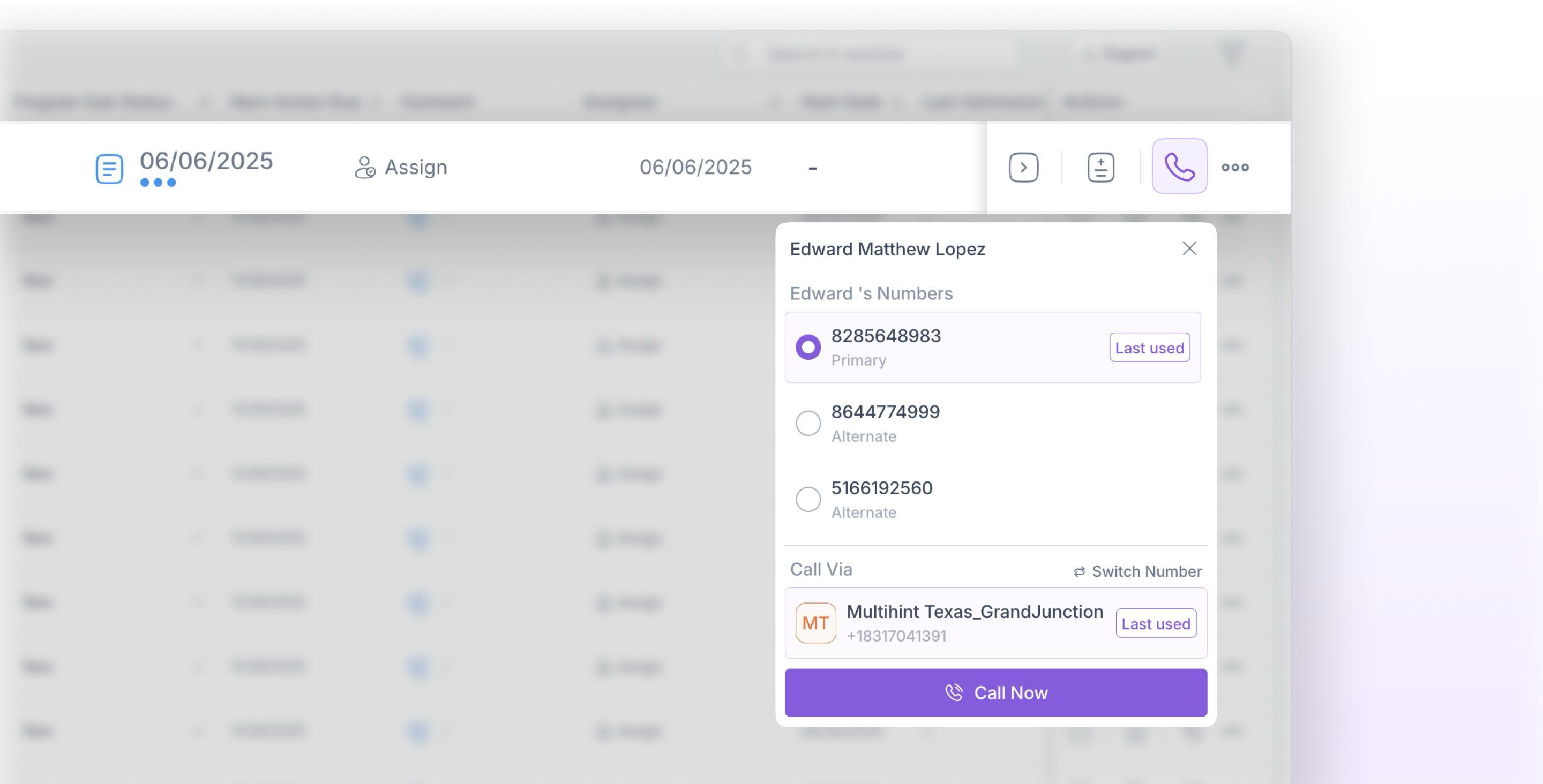
New Calling View |
Fold Health introduces a new calling view for outbound calls, designed to make patient communication faster, clearer, and more reliable. This update streamlines how care managers initiate calls by automatically surfacing the last used patient number. |
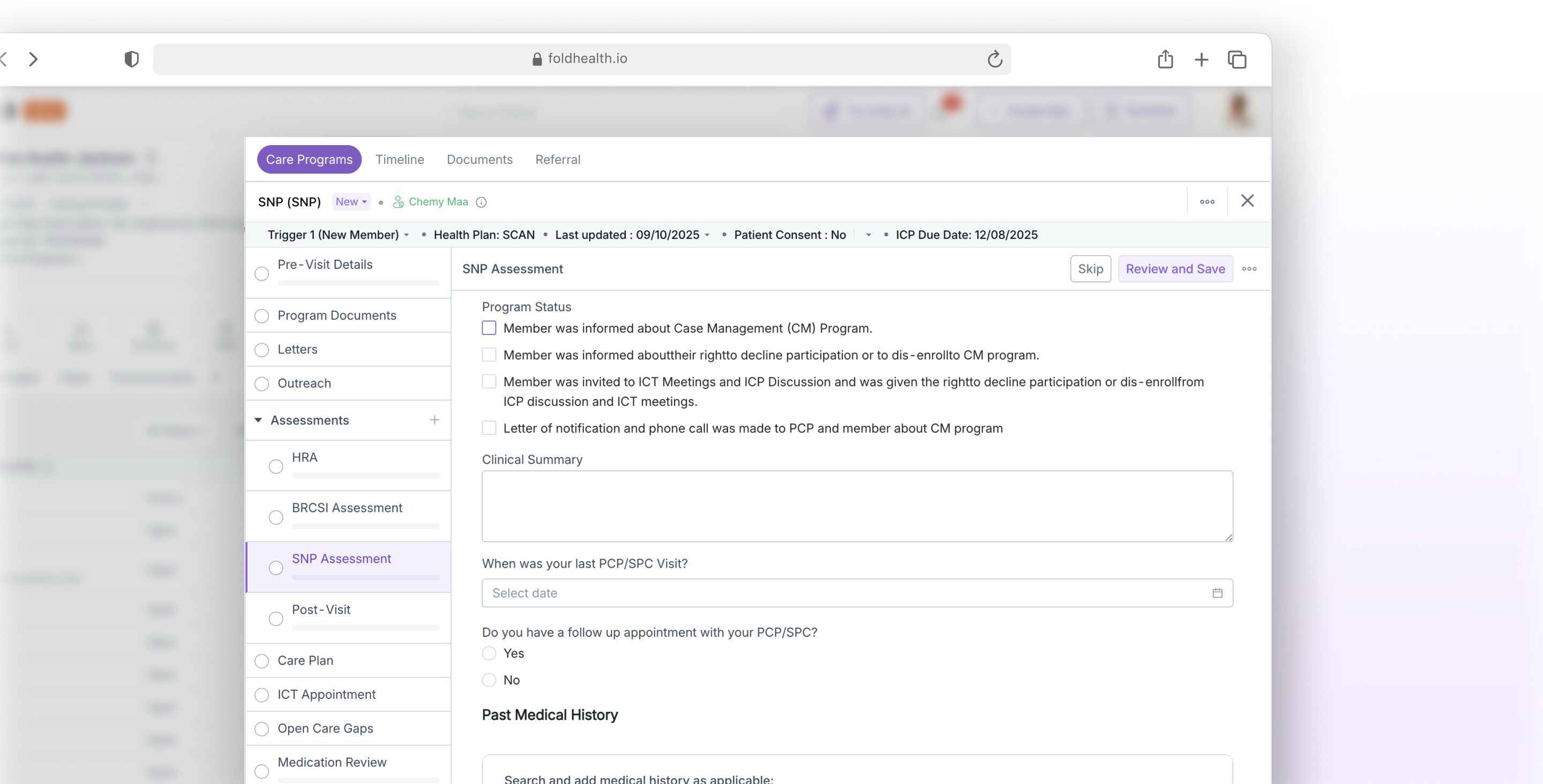
Care Programs: Step-by Step Patient Workflows |
Care Programs guide your team through structured workflows for complex care initiatives like Annual Wellness Visits, Chronic Care Management, and Transitional Care Management. Each program breaks down into clear, manageable steps that ensure nothing gets missed. |
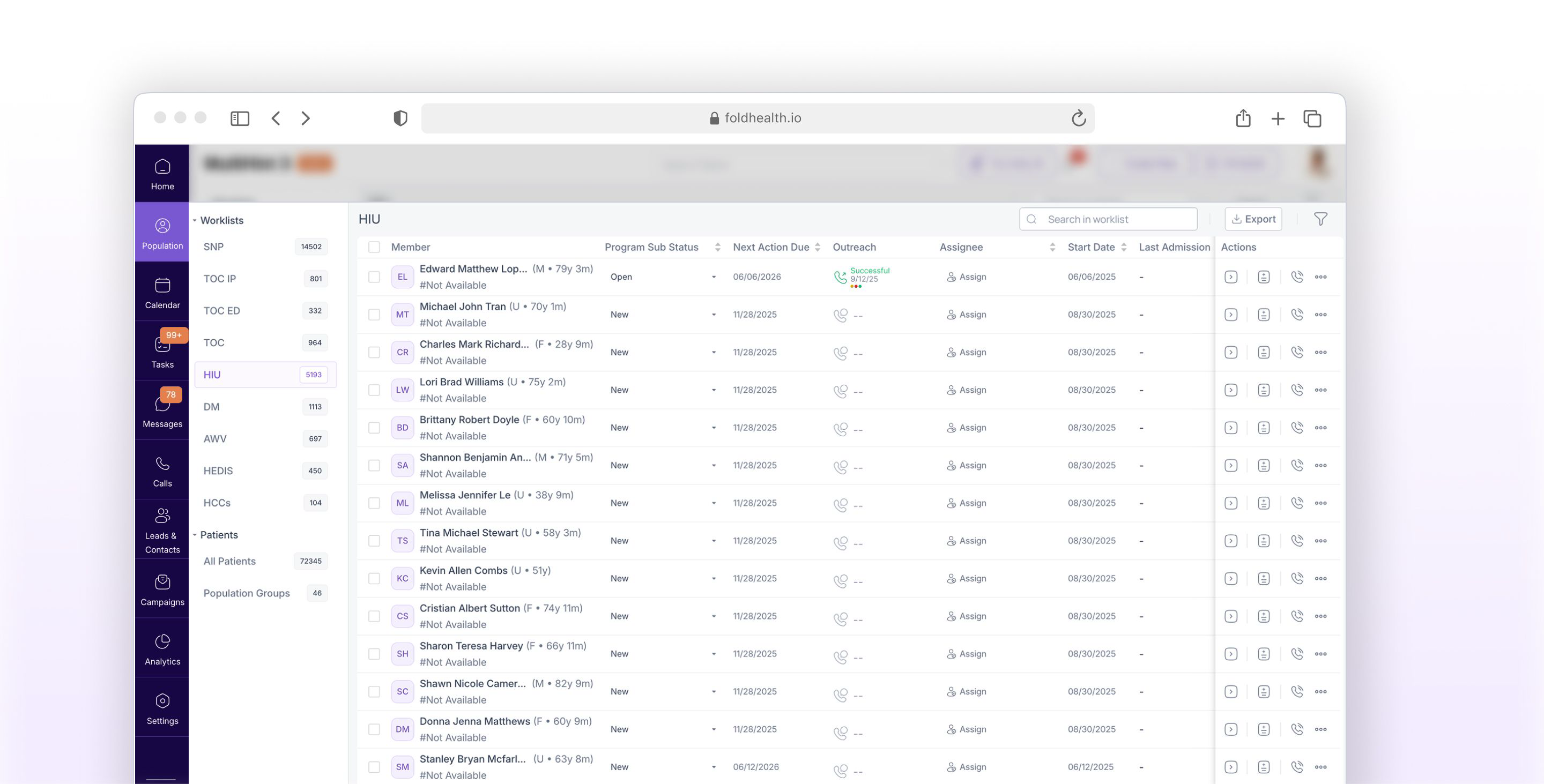
Worklist: Your Command Centre for Patient Care |
The Worklist creates a centralized dashboard where you can see all patients enrolled in your care programs who need attention. Think of it as your daily task list, but specifically organized around patient care needs. |
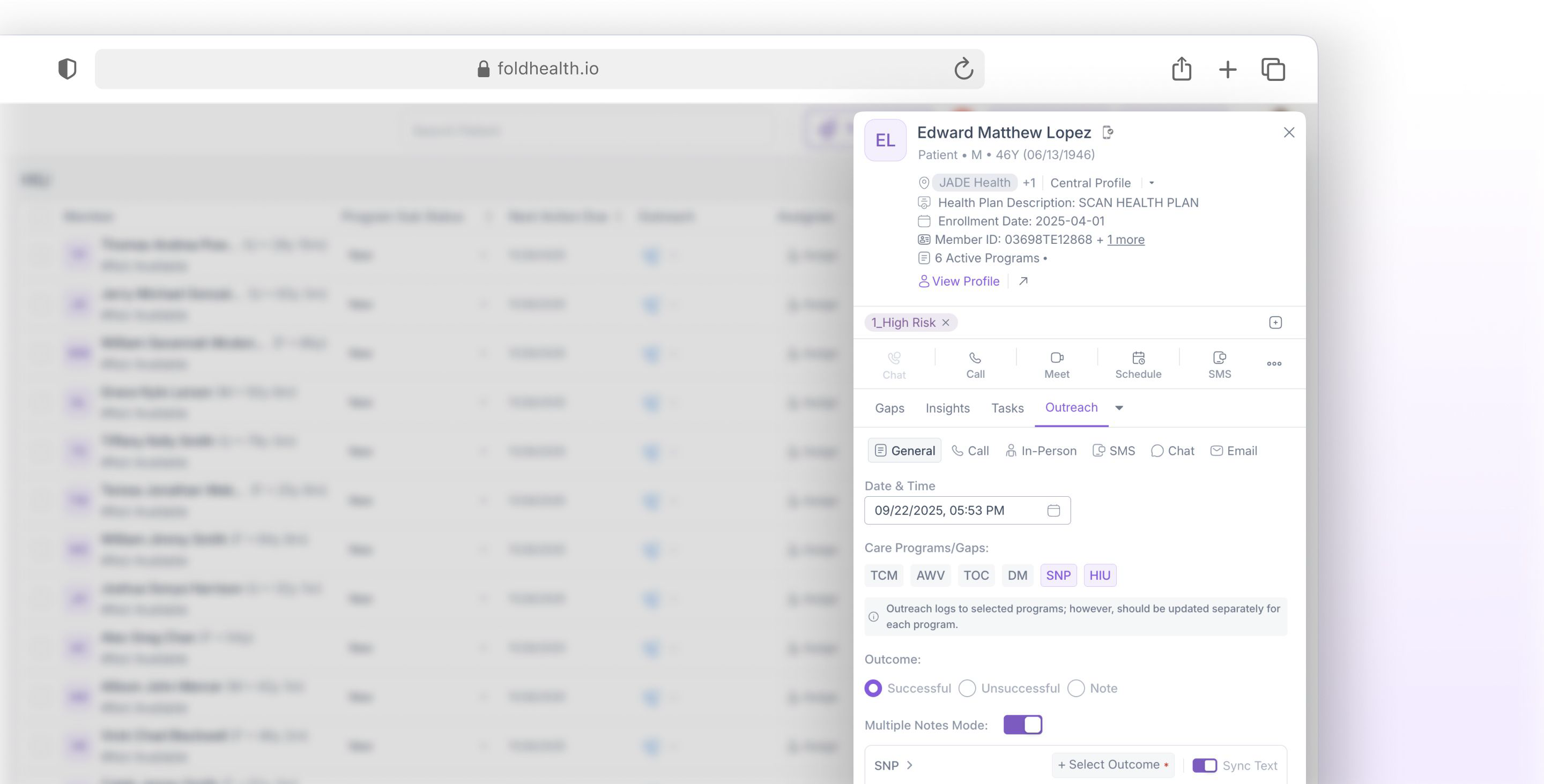
Quick Outreach: Instant Patient Contact |
Quick Outreach allows your care team to document patient interactions instantly without leaving the Worklist. Whether it’s a quick phone call, text message, email, chat, or in-person conversation, you can log it immediately and link it to the appropriate care programs. |
Auto Reconciliation: Intelligent Data Management |
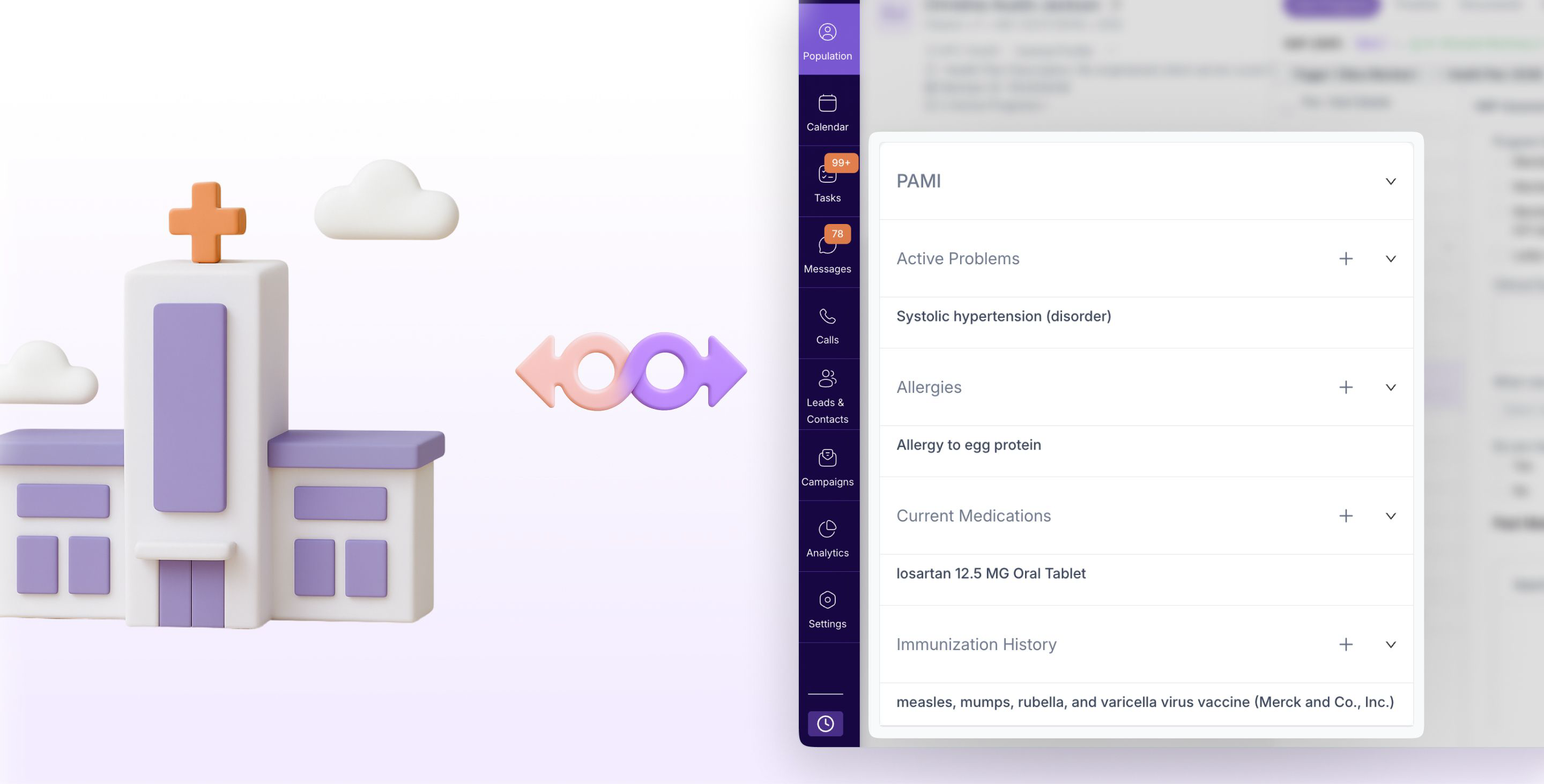
When patient information comes in from other systems, labs, or other providers, our system automatically reviews and updates patient records, reducing manual data entry by up to 70%. |
Appointments: Slot Capacity For Self Scheduling Links |
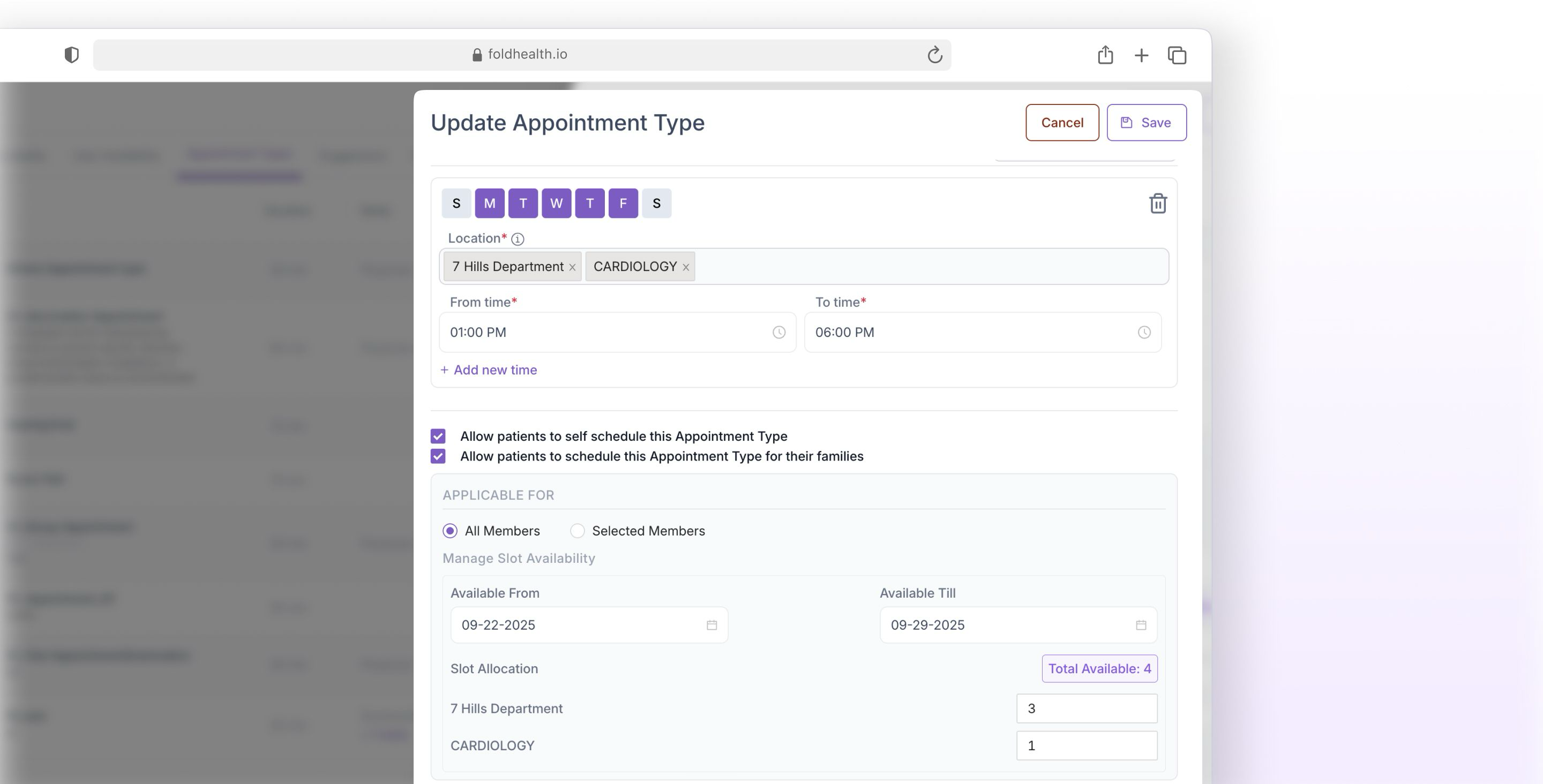
This release introduces location-specific slot capacity controls for appointment types. Practices can now define exactly how many appointments can be booked per location through self-scheduling links, ensuring capacity matches staffing or inventory and avoiding overbooking. |
Additional Features |
|
Was this article helpful?
That’s Great!
Thank you for your feedback
Sorry! We couldn't be helpful
Thank you for your feedback
Feedback sent
We appreciate your effort and will try to fix the article