Introducing Fold Sidecar
We are excited to introduce Fold Sidecar, a new feature designed to integrate essential insights and functionalities from Fold directly into your EHR interface. This integration aims to enhance the care delivery process by providing convenient access to pertinent information without disrupting your workflow, thereby fostering continuity of care.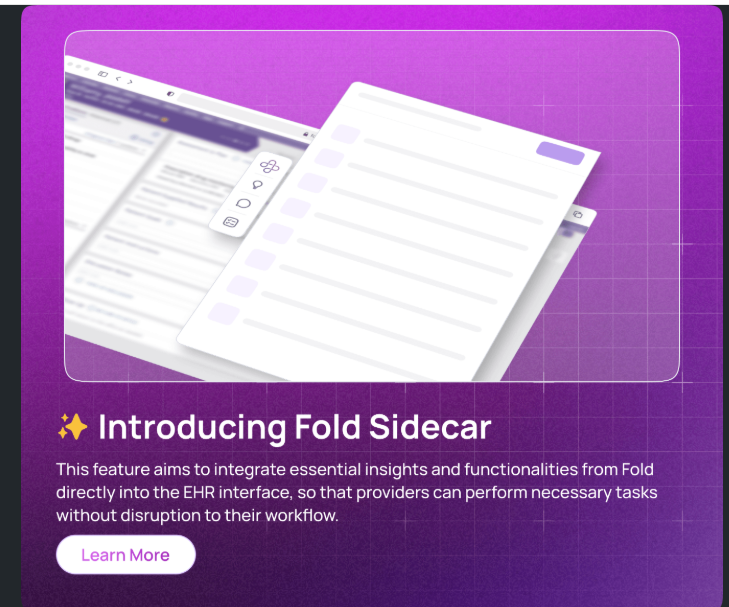
Bulk Archive Functionality
Introducing the Bulk Archive feature for Fold Grow and the Provider Web app. This feature allows users to archive multiple chats, SMS, missed calls, and emails at once, enhancing efficiency in conversation management.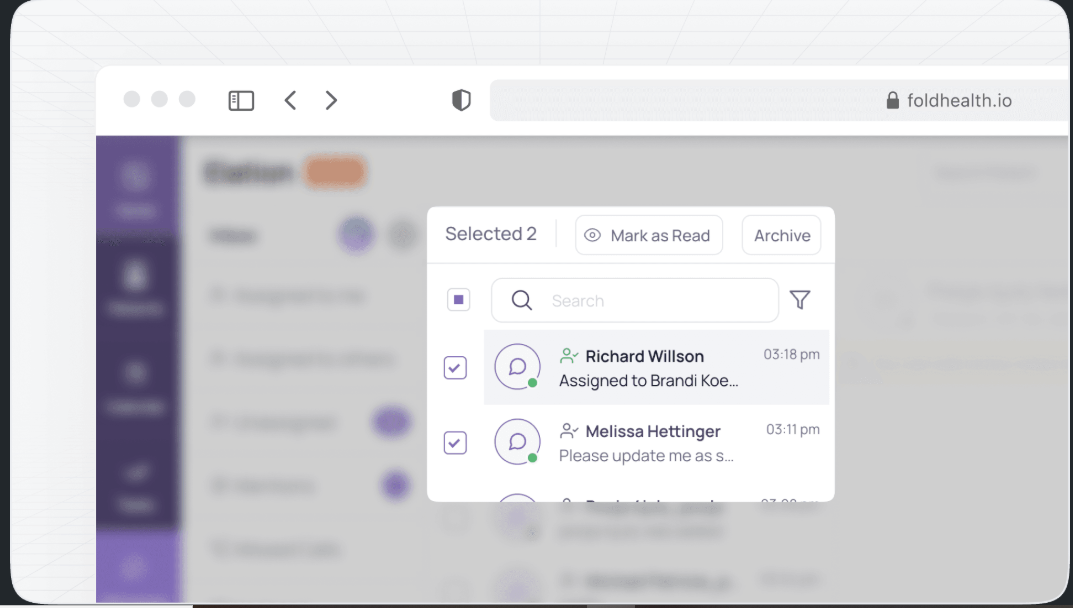
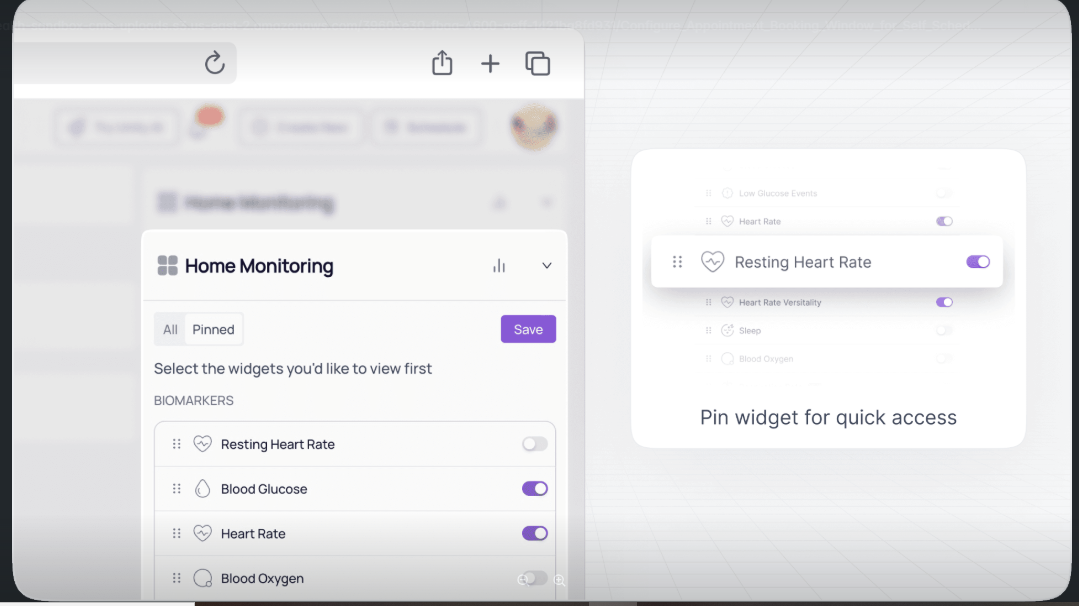
Pin Data Points in Home Monitoring Widget
Practice users can now pin specific data points in the Home Monitoring widget. By selecting which data points to highlight, providers can ensure that the most relevant information is always at their fingertips. This customization is user-specific, enabling each provider to tailor their view based on their unique needs and preferences.
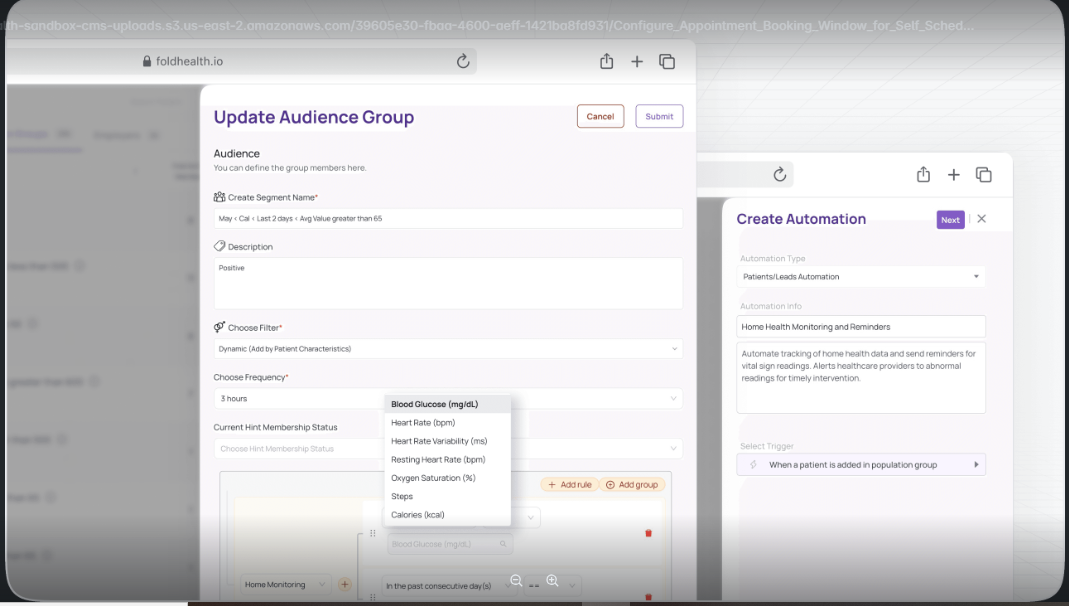
Configure Automated Wearable Alerts
Practice users can now create population group rules specific to data monitored through wearable devices on Fold. This feature allows users to set up alerts and automate actions based on patient wearable data, such as blood glucose levels, heart rate and step counts, collected from wearable devices.
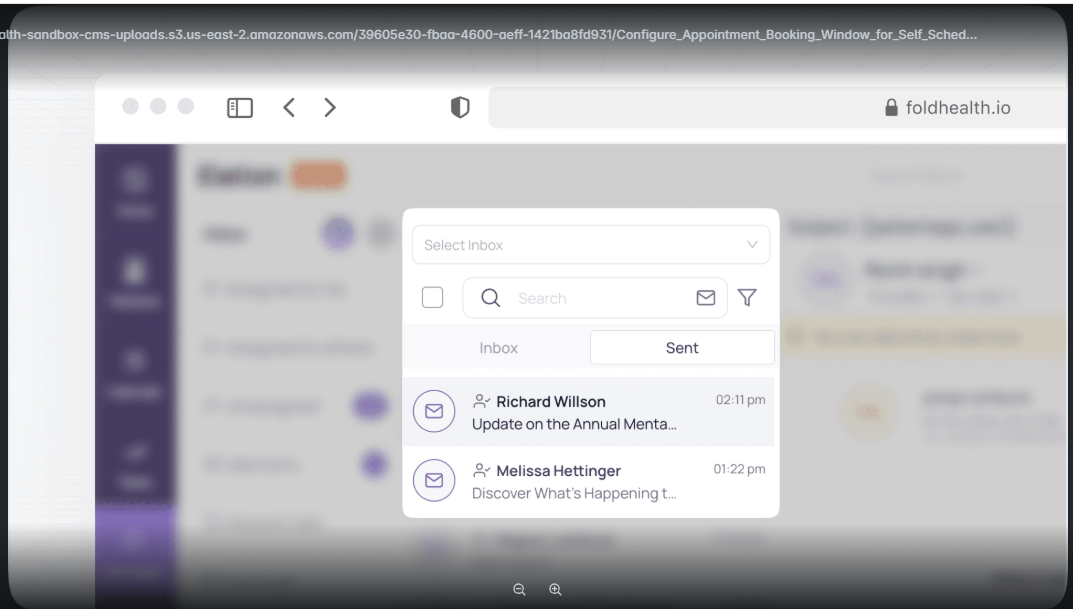
Separate 'Sent' Folder for Emails
We are pleased to introduce a new 'Sent' folder within the Fold email interface, enhancing the ease of managing and accessing sent emails for both Gmail and Outlook accounts.
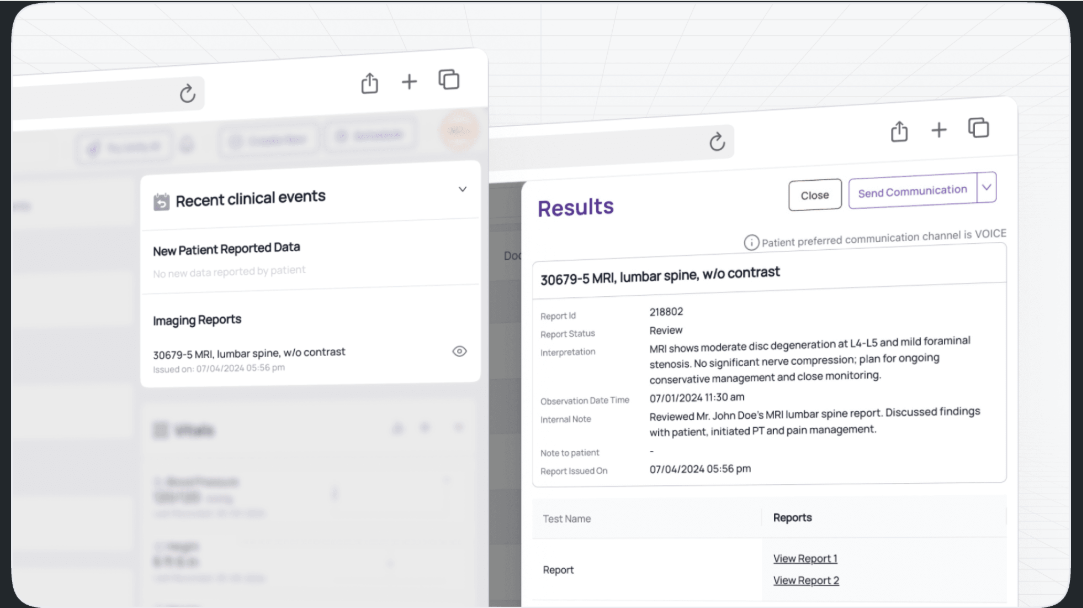
Imaging Documents from EHR to Fold
We're excited to announce a new enhancement that enables seamless integration of imaging documents from Athena and Elation to Fold. This update simplifies the workflow for practice users, allowing them to efficiently review and document patient results directly within Fold.
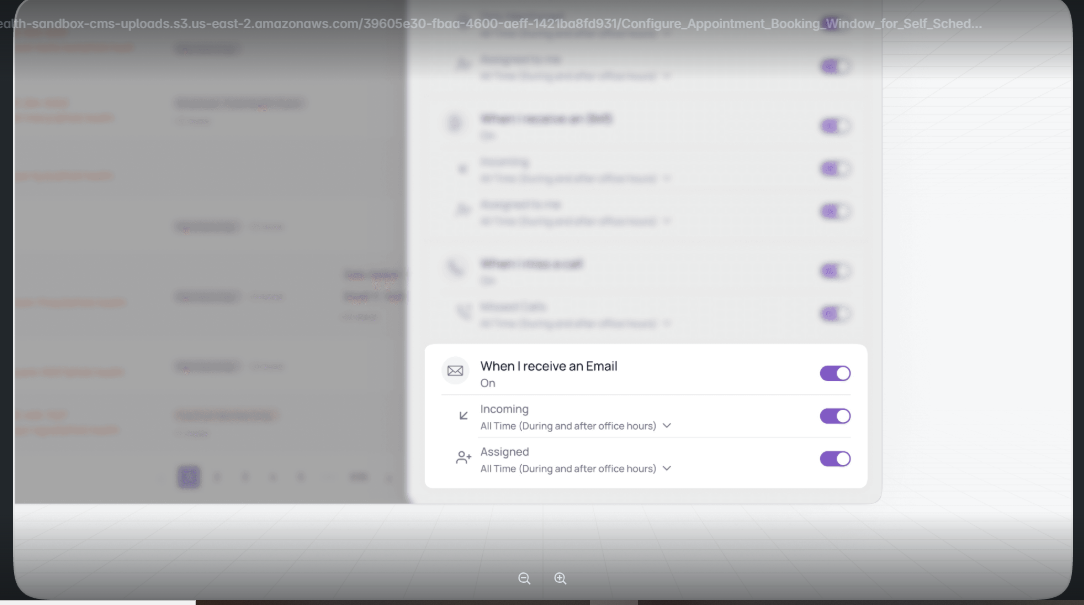
Notification Options for Emails
We're excited to announce that Fold now allows users to set their preferred settings for email notifications for incoming and assigned emails.
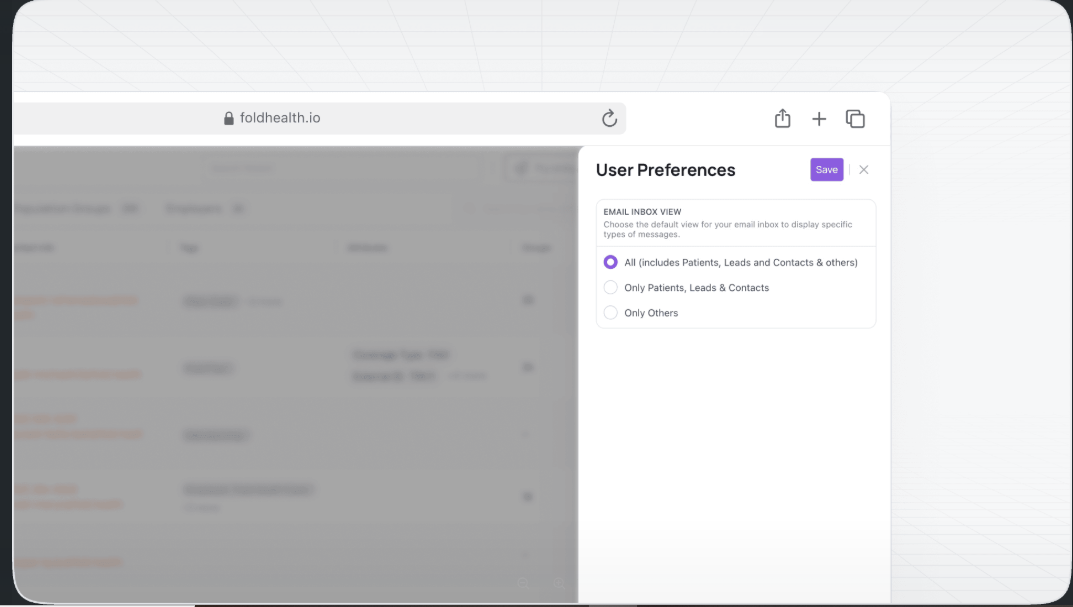
Enhanced Email Handling and Contact Management
This update introduces enhanced email handling capabilities and a new system for managing contacts that are not initially associated with existing leads or members in the Fold system. It aims to streamline the management of incoming emails and the categorization of contacts within the Fold email section.
Additional Features
Improved Task Comment Interface - Provider Web and Native App > Updates to the task comment interface prevents users from losing comments, ensuring smoother communication and collaboration.
Appointment Type-Based Population Group Rules - Provider Web > Users can configure population group rules based on "Appointment Type," matching patients with specified appointment types for targeted management.
Increased Document Upload Size - Provider Web and Native App > Users can now upload documents up to 20 MB in size from the documents section in the patient profile, facilitating efficient document management.
Was this article helpful?
That’s Great!
Thank you for your feedback
Sorry! We couldn't be helpful
Thank you for your feedback
Feedback sent
We appreciate your effort and will try to fix the article