AI-Infused Integration: GPT-Powered Compose & Reply Feature
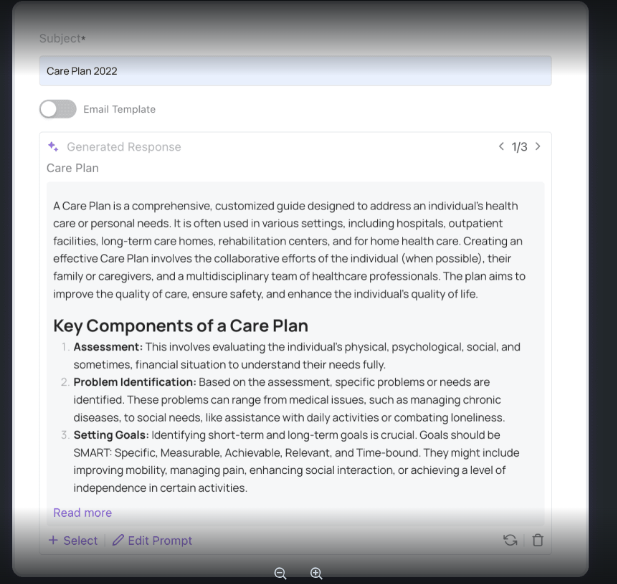
The email system now features a GPT-powered reply tool that generates contextually relevant responses, allowing users to review, edit, and send replies effortlessly. This integration enhances efficiency by providing grammatically correct and respectful replies directly from the email interface.
Learn More about AI Integration in Email >>
Dynamic Contact Creation within Fold CRM
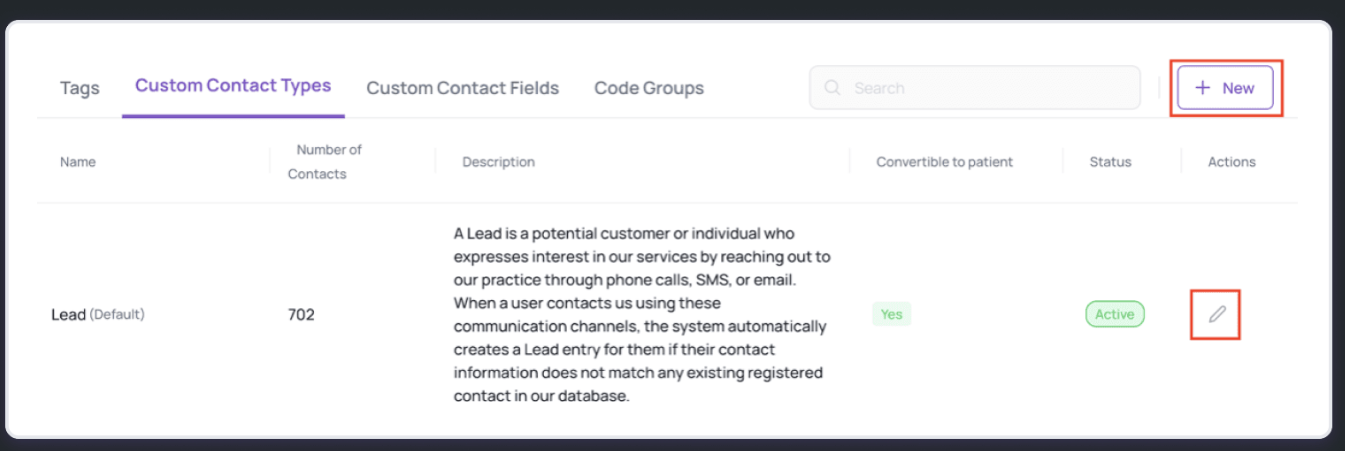
The Provider Web App by Fold Health empowers users to manage the conversion of custom contact types into patient records, ensuring smooth data transfer and maintaining integrity. Users can adjust settings to enable or disable conversions, with previously converted records remaining unchanged regardless of alterations.
Learn More about Custom Contact Types >>
Enhanced Support for Wearables
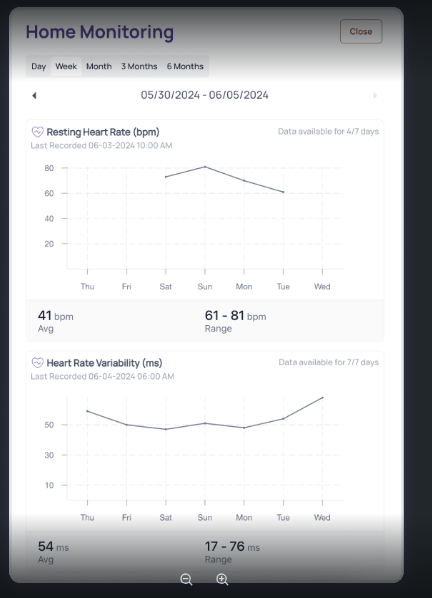
We're excited to announce an upgrade in Fold that enhances the integration of wearable device data. With this update, both providers and patients gain access to additional patient metrics such as heart rate, resting heart rate, heart rate variability and blood oxygen directly within our platform.
Learn More about Wearables Integration >>
New Chat Group Confirmation Pop-up
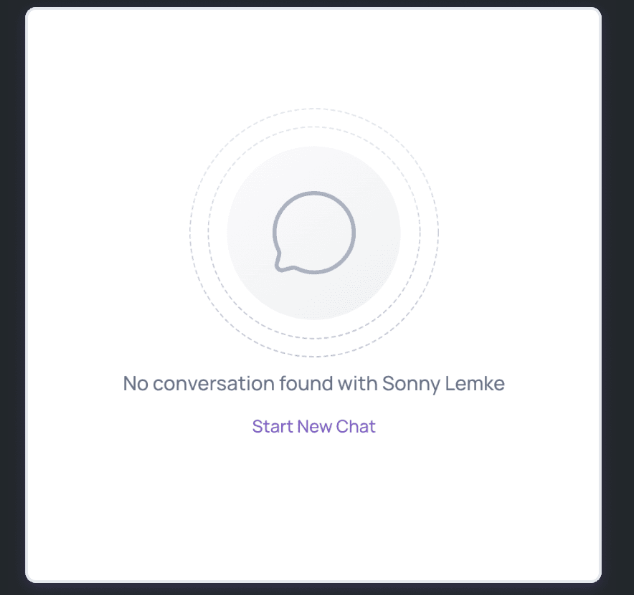
A new confirmation pop-up feature has been added to enhance user experience and prevent accidental creation of chat groups. When users click the 'Chat' icon next to a patient's name, a confirmation message will appear and allows the user to proceed or cancel.
Learn More about this Pop Up Message >>
Revamped UI/UX for Automations Builder
We are thrilled to announce a comprehensive UI/UX facelift for the Automation and Phone Tree & Care Journey modules in Fold Health's provider web app. This update aims to enhance usability and streamline workflows, making it easier and more intuitive to create and manage automations, care journeys and phone trees.
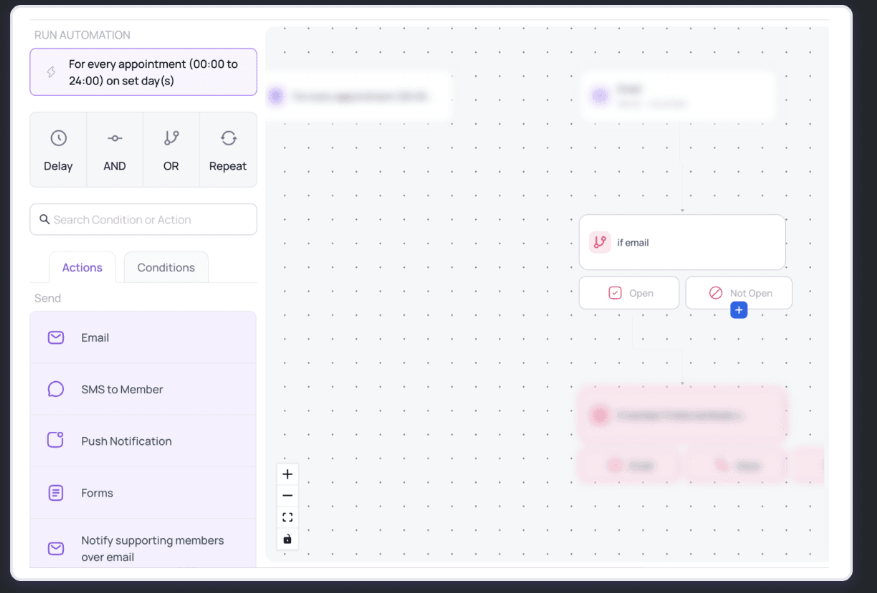
Learn More about the new Automations Ux >>
Note Template Responses
With the latest update, users now have access to macro template support for form components, streamlining the note-taking process and improving efficiency.
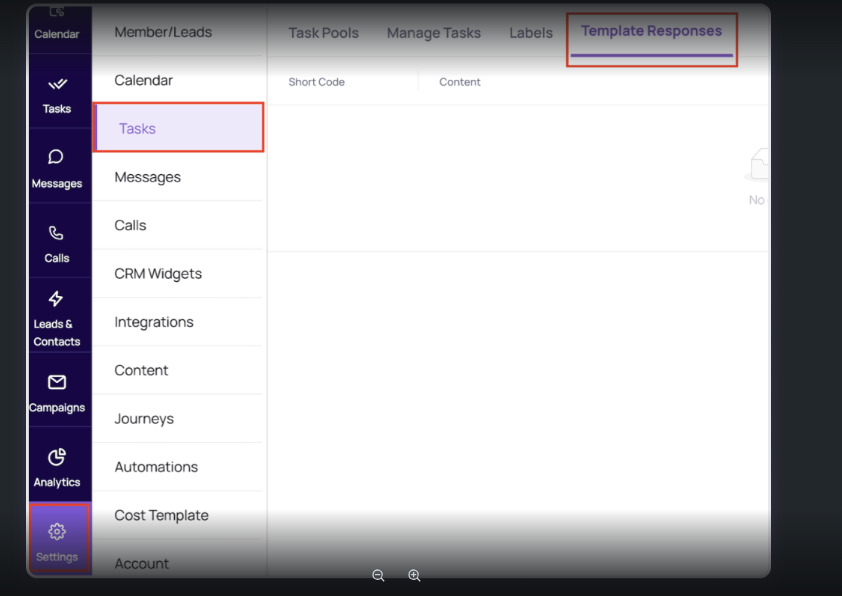
Learn More about Template Responses >>
Population Group Activity Log
Now, users can track actions and history within each population group, all in one place.
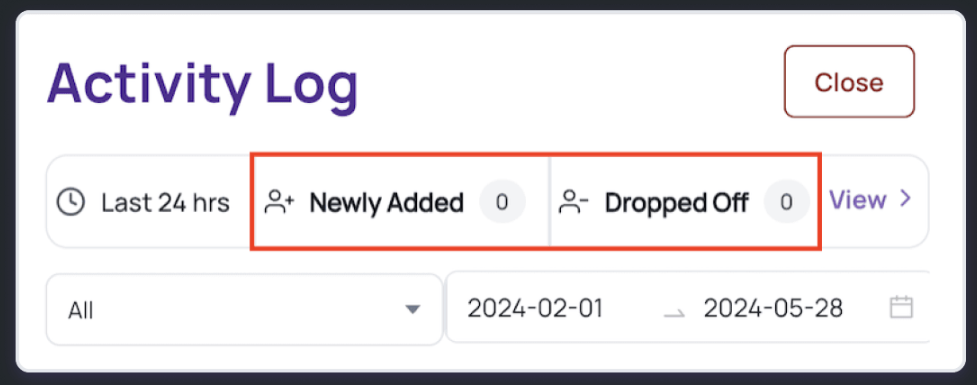
Learn More about Population Groups Activity Log >>
Additional Features (June Release)
Drop downs for user task assignment– You can now view a list of practice users in the assignee field for a task, instead of having to search users every time.
"Location" section movement - The "Location" section, which was previously accessible within Settings > Accounts >Teams is now visible as a separate tab in the Settings > Accounts menu.
SMS Failure reason- Users will now have the capability to view the SMS failure reasons on the UI.
Transfer/Conference Outbound Call -Practice users now have the ability to transfer or conference outbound calls as they see fit.
Was this article helpful?
That’s Great!
Thank you for your feedback
Sorry! We couldn't be helpful
Thank you for your feedback
Feedback sent
We appreciate your effort and will try to fix the article