Settings → Member/Leads → Custom Contact Fields
You can choose to create a custom contact field to include within a Lead/Contact. This is an additional parameter that can be added to Members, Leads or other custom contact types in Fold.
Custom Contact Fields can be either text, numbers, dates, boolean (yes/no), email, phone or NPI. Custom Contact Fields are set in Settings → Member/Leads → Custom Contact Fields.
Fax number is a commonly used custom contact field, which enables Fold users to send e-Faxes to leads & contacts. The e-Fax custom contact field defaults to the Provider category. To send e-faxes to any contact type other than Provider, update your preferences in the Custom Contact Field settings.
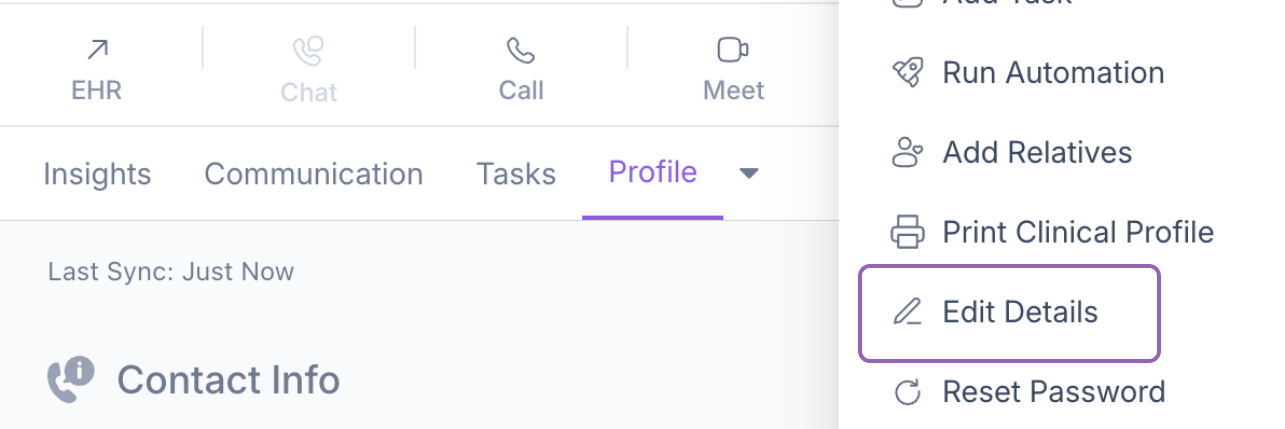
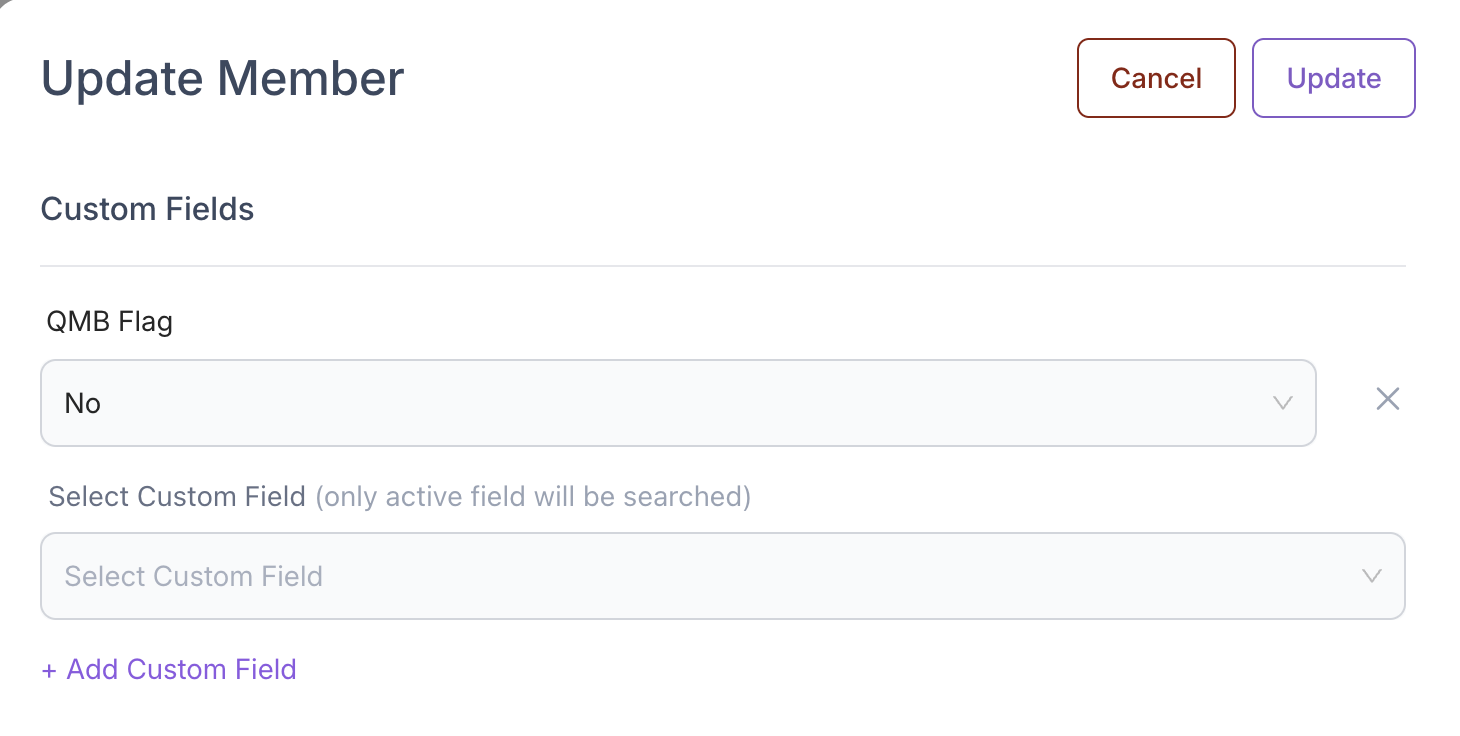
To update the content of your custom field for a particular patient, navigate to the patient's profile → Edit Details.
Was this article helpful?
That’s Great!
Thank you for your feedback
Sorry! We couldn't be helpful
Thank you for your feedback
Feedback sent
We appreciate your effort and will try to fix the article